


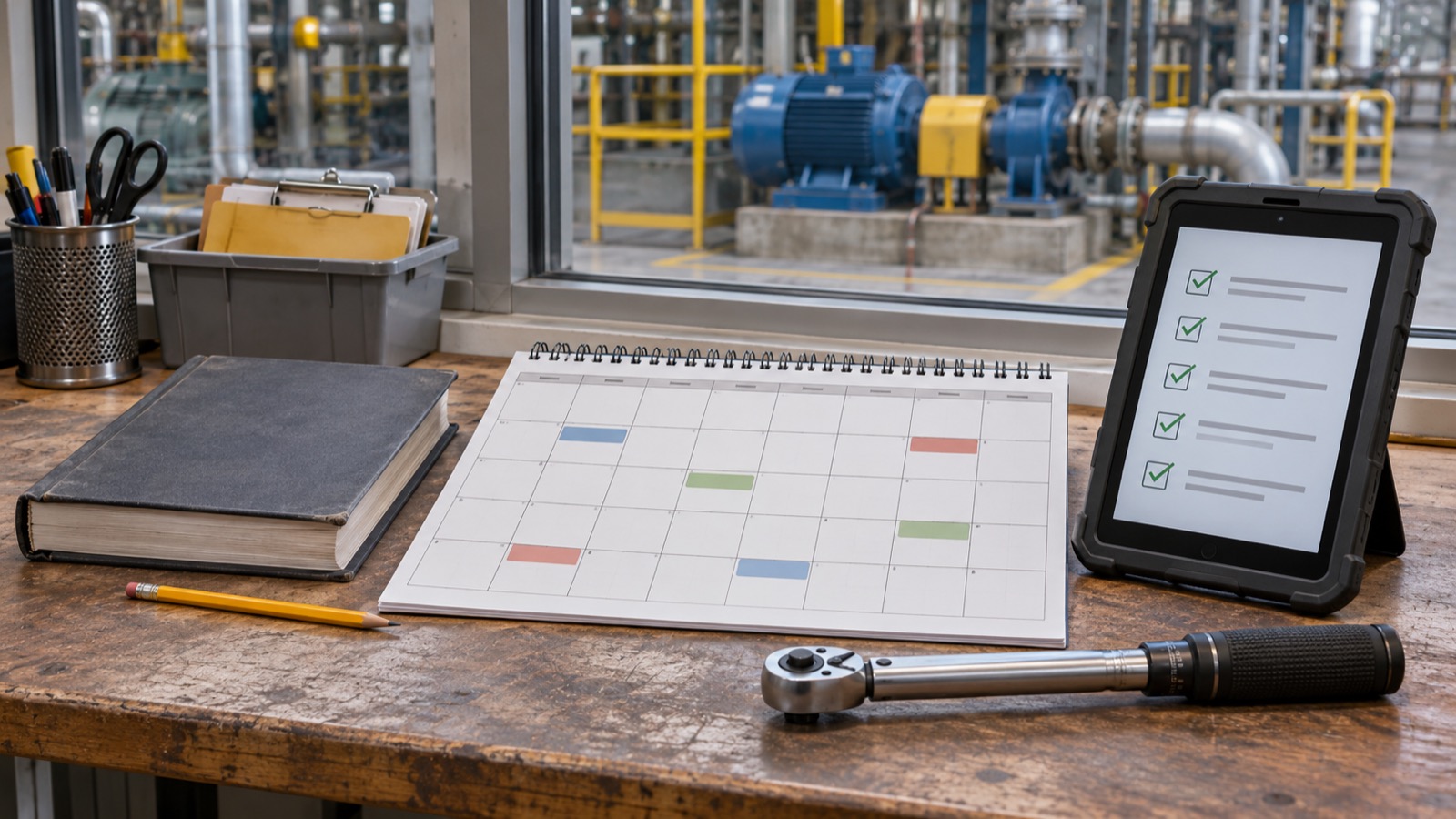
A maintenance plan specifies the task, asset, timing, responsible person and conditions for execution. A template provides a starting structure. Suitable tasks, realistic capacity and usable feedback make it effective.
Which fields belong in the template?
- Asset: unique identifier, location and relevant subassembly.
- Task: understandable activity, expected result and applicable instructions.
- Trigger: calendar interval, operating hours, another meter or a technically justified criterion.
- Responsibility: performing role, required competence and substitute.
- Preparation: parts, tools, access, work window and site approvals.
- Feedback: outcome, deviations, work actually performed and outstanding actions.
Justify the intervals
Manufacturer information and actual operating conditions provide important inputs. Mandatory inspections require separate consideration. An arbitrary interval in a spreadsheet does not replace that assessment.
A sample meter threshold must be adapted to the equipment. Do not copy an operating hour figure from a general article into a maintenance programme without technical review. Record who set the interval and how changes are authorised.
Make the plan executable
Plan available capacity as well as due dates. Coordinate work with production and service providers. Before starting, verify that parts and documents are available and required protective measures have been defined.
If work is deferred, keep the reason, owner and next decision visible. A reminder supports planning but cannot guarantee timely completion or safe equipment.
Move from a table to a workflow
A template helps organise the initial data. Maintenance software can connect recurring tasks with the asset, responsible person and feedback. Begin with one asset group rather than importing an unreviewed list for the entire site.
Check whether work is prepared in time and whether another employee can understand the completion record. Add fields only when they support a clear decision.
Learn from results
Review overdue tasks, recurring defects and unplanned stoppages together. Identify which activities produce useful findings. Changes to scope or interval need technical justification.
If maintenance leads to a proposed modification, assess it separately before implementation. Our EU Machinery Regulation 2027 guide explains why routine maintenance and substantial modification need to be distinguished. A plan remains useful when feedback changes future decisions, rather than simply accumulating closed tasks.
For new machinery and planned modifications from 2027, our EU Machinery Regulation guide for operators and maintenance teams explains responsibilities, documentation and the assessment of substantial modifications.